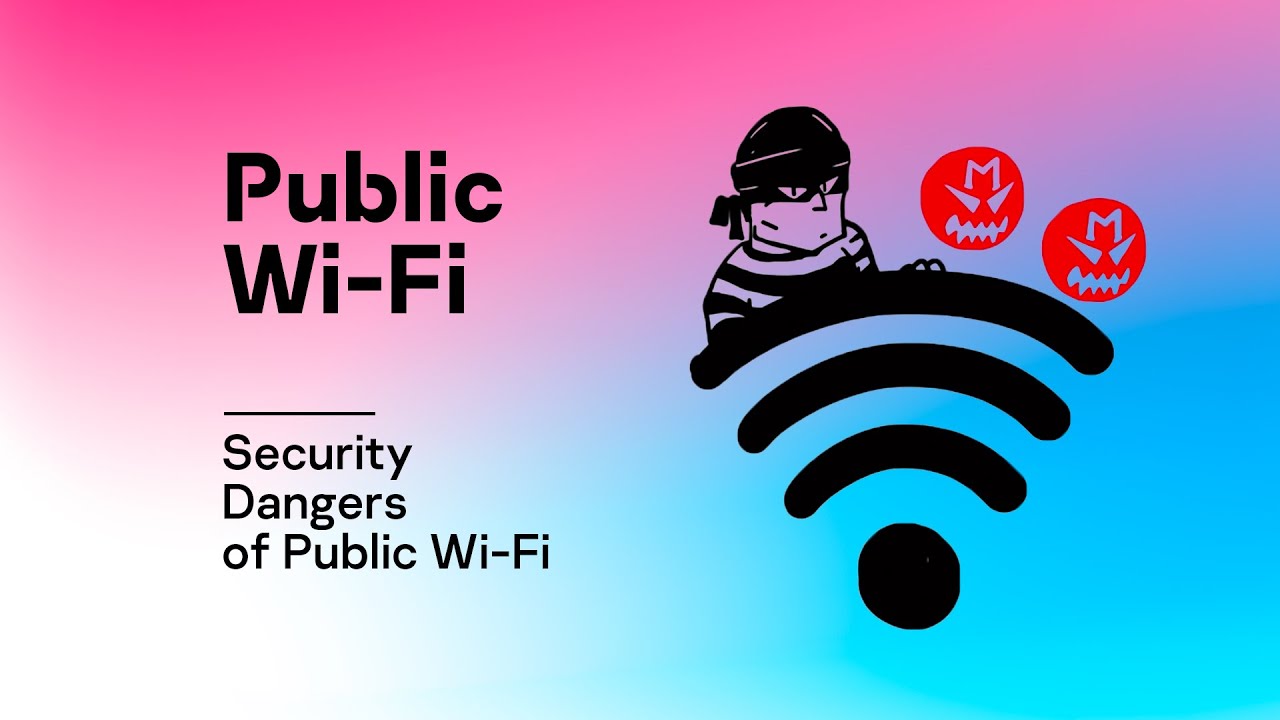
A Free Internet Connection Can Sometimes Come at a Hidden Cost
Jason had a two-hour layover at a busy airport before his next flight. Wanting to make good use of the time, he connected to the free public Wi-Fi, opened his laptop, checked his bank account, replied to work emails, and bought a few items from an online store. Everything seemed normal. The connection was fast, and he appreciated not having to use his mobile data.
A few days later, he received alerts about unusual login attempts on several online accounts. Fortunately, his bank blocked suspicious activity before any money was lost, but the experience left him wondering whether using public Wi-Fi had played a role.
Public Wi-Fi has become part of everyday life in America. Coffee shops, airports, hotels, shopping malls, libraries, restaurants, hospitals, and even public parks often offer free internet access. These networks make it easy to stay connected while traveling or working away from home.
The convenience is undeniable, but not every public network offers the same level of security. Some are carefully managed, while others leave users exposed to unnecessary risks. Criminals know that people often let their guard down when they see the words “Free Wi-Fi,” making public networks attractive places to look for opportunities.
The good news is that protecting your privacy does not require advanced computer skills. A few simple habits can significantly reduce your risk and help keep your personal information safe wherever you connect.
Always Make Sure You Are Joining the Right Network Before You Connect
Melissa walked into her favorite neighborhood coffee shop and immediately saw three wireless networks on her phone.
One was called “CoffeeHouse Guest.”
Another was named “CoffeeHouse Free WiFi.”
A third appeared as “CoffeeHouse Public.”
They all sounded legitimate.
Instead of asking an employee which one was official, she simply chose the strongest signal.
This type of mistake happens more often than people realize.
Cybercriminals sometimes create fake wireless networks with names that closely resemble legitimate businesses. Their goal is simple. They hope someone connects to the fake network instead of the real one.
Once connected, users may unknowingly send sensitive information through a network controlled by someone else.
Whenever you visit a new location, take a moment to verify the official network name with an employee or by checking signs inside the business. Spending thirty seconds confirming the correct network is far better than dealing with compromised accounts later.
It is also wise to avoid connecting automatically to public networks.
Many smartphones and laptops include settings that automatically join familiar or open Wi-Fi connections. While convenient, this feature can connect your device without your knowledge whenever a similar network becomes available.
Turning off automatic connections gives you more control over when and where your device joins a wireless network.
After finishing your work, disconnect from the public network rather than leaving it active. Your device does not need to remain connected once you leave the building, and disconnecting reduces the chances of accidentally reconnecting later.
Another good habit is to disable file sharing or device discovery while using public Wi-Fi. Features designed for trusted home or office networks are rarely necessary in public places and may expose your device to unnecessary attention from other users on the same network.
Taking a few moments before connecting often provides more protection than people expect.
Be Careful About What You Do While Using Public Wi-Fi
Imagine leaving your wallet on a restaurant table while stepping outside for a few minutes.
Most people would never do that because they understand the value of what is inside.
Your personal information deserves the same level of protection.
Public Wi-Fi is perfectly suitable for many everyday activities.
Reading the news, watching videos, checking the weather, browsing travel information, or reading online articles generally involves much less risk than accessing sensitive accounts.
The situation changes when financial or personal information becomes involved.
Logging into online banking, filing taxes, entering credit card numbers, accessing medical records, or signing important legal documents are activities that deserve extra protection.
If possible, wait until you are using your trusted home internet connection or your mobile data network before completing these tasks.
Many websites now use encrypted connections, which provide an important layer of protection. You can usually recognize this by the small padlock symbol that appears beside the website address in your browser.
While encryption greatly improves security, it should not be viewed as permission to ignore other good habits.
Strong passwords remain essential.
Using the same password for every account creates unnecessary risk because a single compromised account may lead to many others. Unique passwords for important accounts greatly reduce this possibility.
Two-factor authentication adds another valuable layer of protection.
Even if someone somehow discovers your password, they still need the additional verification code sent to your phone or authentication app before they can access your account.
This simple feature prevents many unauthorized logins every year.
It is also worth paying attention to your surroundings.
Working in a crowded airport lounge or coffee shop means other people may easily see your screen. Privacy screen protectors can help reduce viewing angles, but simply being aware of who is nearby also goes a long way toward protecting sensitive information.
Privacy is not only about protecting your internet connection. It is also about protecting what others may see while you are using it.
Simple Security Habits That Protect You Long After You Leave the Network
David finished working at a hotel lobby before heading to dinner.
He closed his laptop and walked away without giving another thought to the Wi-Fi connection.
Back in his room later that evening, his laptop quietly reconnected to the same public network because it had been saved automatically.
He never realized it was still using the hotel’s guest network instead of his more secure mobile hotspot.
Small situations like this demonstrate why ongoing security habits matter.
One of the easiest improvements is keeping your devices updated.
Software updates often include important security fixes that protect against newly discovered threats. Delaying updates for weeks or months may leave known vulnerabilities unpatched.
Antivirus and security software should also remain current. These tools cannot prevent every possible attack, but they provide valuable protection against many common threats.
Virtual Private Networks, commonly called VPNs, add another layer of security by encrypting internet traffic between your device and the VPN service. Many people who frequently travel for business or regularly use public Wi-Fi choose to use a reputable VPN whenever they connect outside their home or office.
Equally important is reviewing your saved wireless networks from time to time.
Most phones and computers remember every Wi-Fi network they have ever joined. Removing networks you no longer use reduces unnecessary automatic connections and keeps your device organized.
When you finish using public Wi-Fi, consider logging out of sensitive websites instead of simply closing the browser window. Signing out of banking websites, email accounts, and work portals reduces the chance that someone could access an active session if your device is lost or left unattended.
Finally, stay alert for anything unusual.
Unexpected password reset emails, unfamiliar login notifications, or alerts about account activity should never be ignored. Many online services now notify users whenever a new device signs in. Reviewing these alerts promptly allows you to change passwords quickly if necessary.
Public Wi-Fi is one of the most useful conveniences of modern life, making it possible to work, communicate, and stay connected almost anywhere. At the same time, convenience should never replace caution. Verifying the correct network, limiting sensitive activities, using strong account security, keeping devices updated, and practicing a few simple habits can dramatically reduce your exposure to unnecessary risks. The goal is not to avoid public Wi-Fi altogether but to use it wisely. With the right approach, you can enjoy the convenience of free internet access while keeping your personal information, financial accounts, and digital identity much safer wherever your travels take you.